Create Central Park Public API Credentials
Set up access to the Central Park Public API directly within the Central Park portal
You must have the Customer Administrator role or API Credential Manager role to be able to create and manage your account’s Public API credentials. Customer Administrators are able to assign the API Credential Manager role to users associated to their account.
-
Log in to Central Park
-
Select the Gear icon from the left navigation menu
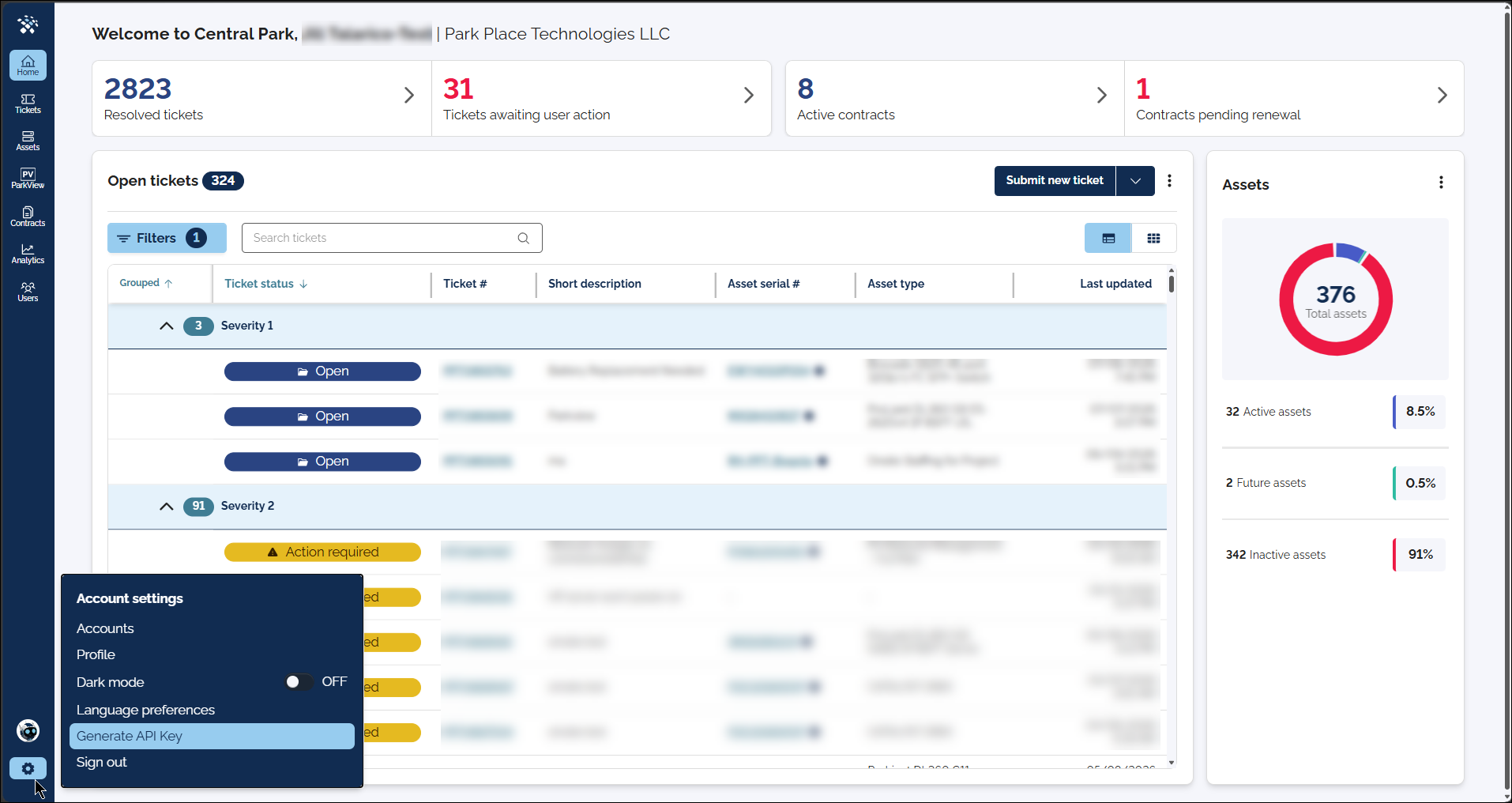
-
From the modal, select Generate API Key
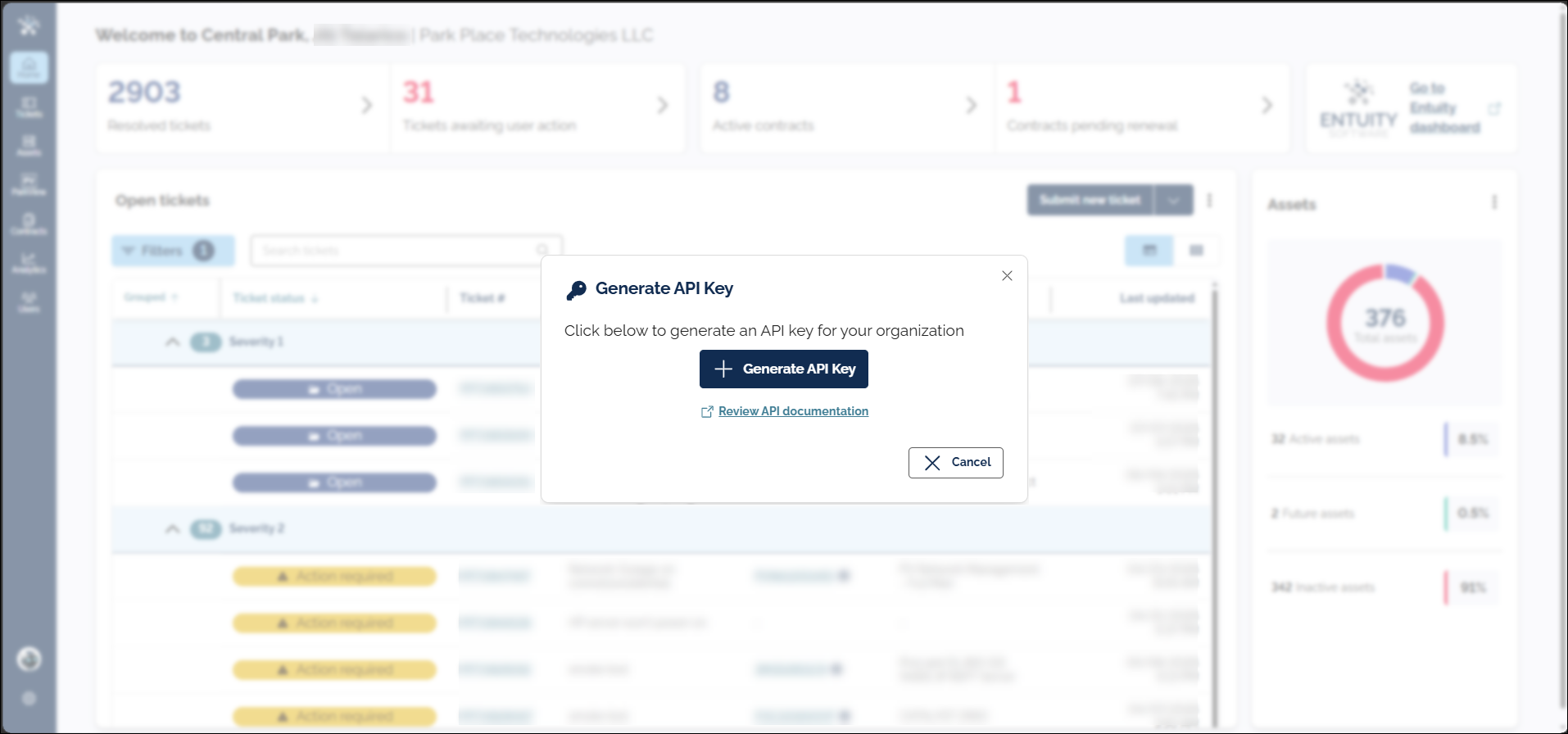
-
The credentials will be created and displayed for you to copy
-
Client ID
-
Client Secret*
*For security reasons, the Client Secret will be displayed only one-time
**Authentication through our public API documentation site (on the Central Park tab) is currently unavailable. In the meantime, you can authenticate and test requests using any API platform such as Postman.
-